Korea’s food delivery is genuinely one of the best in the world — fast, cheap, and it delivers almost anything to your door, including single portions and even convenience-store snacks. For years, though, foreigners were locked out: the apps were Korean-only and demanded a Korean ID. That changed in 2026. Baemin (배달의민족), Korea’s biggest delivery app, now works in English, takes foreign cards, and lets you order with no Korean ID or account at all. Here’s exactly how to do it.

First, why Baemin (and not Uber Eats)
If you’ve used Uber Eats elsewhere, you’ll open it in Korea and find nothing — it pulled out of the country in 2019 because the local apps were simply too dominant. Korea runs on its own delivery apps, and the biggest by far is Baemin. Coupang Eats is the main alternative, especially if you already have a Coupang shopping account. For most visitors, Baemin is the place to start.
The one trick that makes it work in English
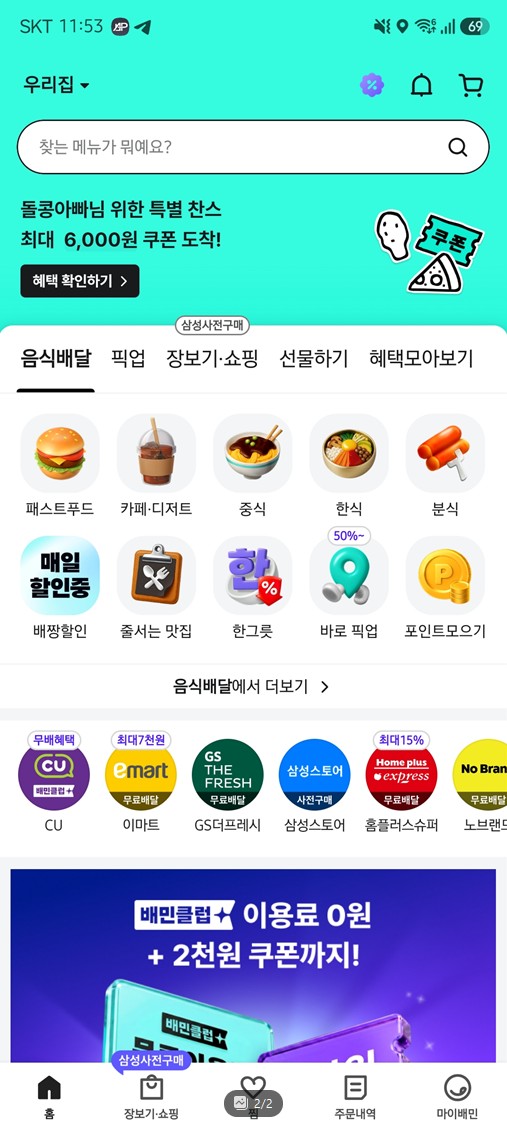
Here’s the key that trips people up: set your phone’s language to English before you install Baemin. The app reads your phone’s language on first launch and comes up in English (also Japanese and Chinese) automatically. If you install it while your phone is in Korean and switch afterward, the app stays Korean — so if that happens, just delete it, set your phone to English, and reinstall. It’ll launch in English right away.
Ordering, step by step
The full flow, start to finish:
- Skip the login. When a login screen pops up, tap the X to close it and order as a guest. No Korean ID or Alien Registration Card required.
- Set your address. Tap the bar at the top and enter the exact Korean address of your hotel, Airbnb, or guesthouse, plus your room number. Copying the Korean address straight from your booking confirmation works best.
- Browse by category. Chicken, pizza, Korean food, cafe desserts — it’s all there. Tap the “Best” (인기) tab inside a restaurant to see what locals actually order.
- Check two numbers. Each restaurant sets a minimum order (often around ₩10,000–15,000) and a separate delivery fee shown upfront. They’re not the same thing — read both before you commit.
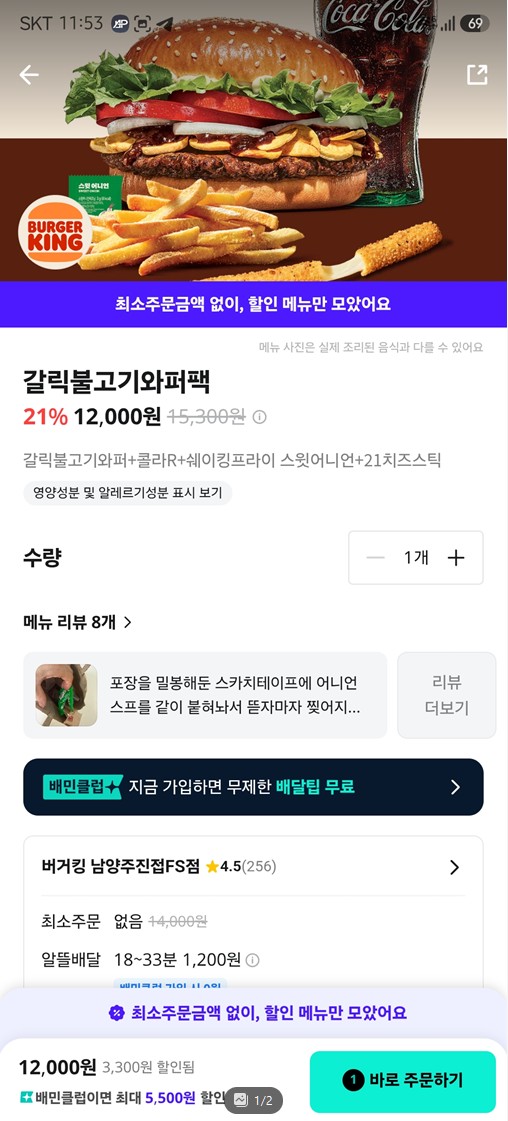
- Pay with a foreign card. Visa, Mastercard, and Amex work — select the global/overseas card payment option. No Korean bank account needed.
- Go contactless and track it live. “Leave at door” is the default; add a note for the lobby or room. Then watch the order move from cooking → out for delivery → arrival on a live map.
Korean delivery culture: three things to know
- No tipping. Korea has no delivery-tip culture at all. You pay exactly what the app shows — nothing more.
- Single portions are normal. “One-person delivery” is common, so ordering for one is no problem.
- Almost everything delivers. Not just chicken and pizza — Korean meals, cafe drinks, desserts, late-night snacks (야식), and even convenience-store items come by app.
What to order your first time
If you’re staring at the menu unsure, the safe, beloved starters are Korean fried chicken (치킨 — the national delivery food), tteokbokki, jjajangmyeon and tangsuyuk from a Korean-Chinese place, or a Korean BBQ set. Late at night, fried chicken and tteokbokki are the classic 야식.
One practical note on addresses: Korea uses a road-name address system, and getting the exact Korean text right is what ensures your food actually finds you. Pull it from your accommodation’s booking page or a map app rather than typing it from memory.
That’s the whole thing. Set your phone to English, install Baemin, skip the login, paste your address, pay with your card. In a country where you can get a single bowl of jjigae delivered to a hotel room at midnight with no tip and live map tracking, not knowing how to order is the only thing standing between you and one of the best parts of daily life in Korea.